Best Gaming Monitors for NBA 2K25 - Reduce Input Lag & Green More Shots
The right display is the cheapest upgrade that'll actually improve your shooting percentage
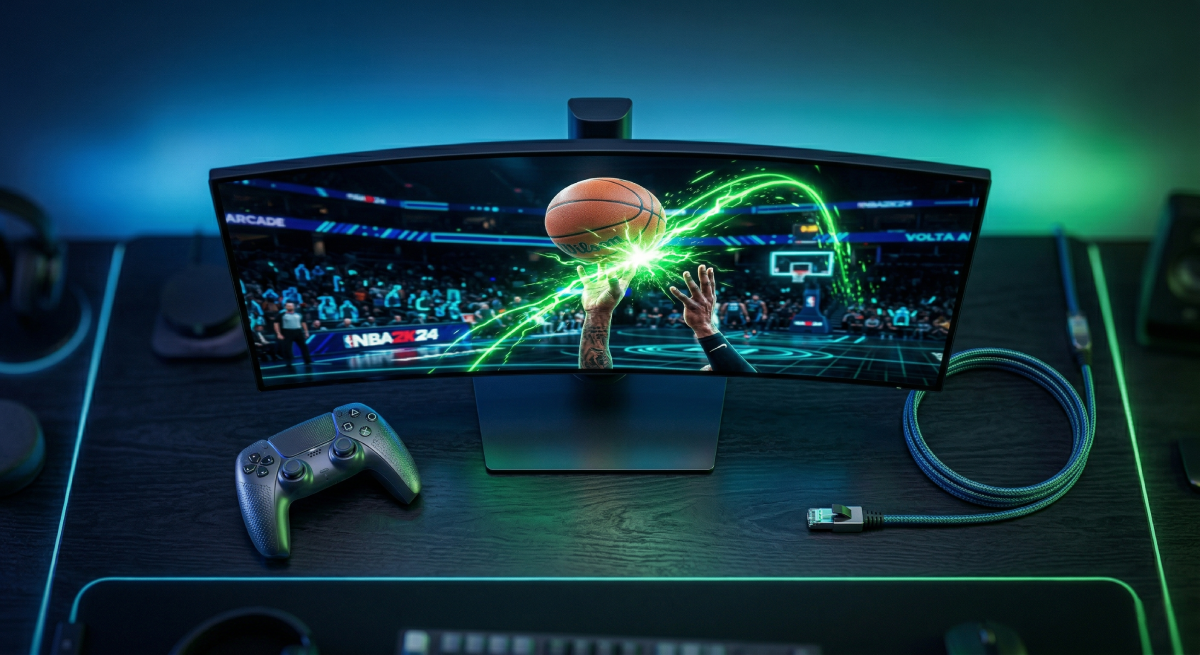
If you're serious about greening in NBA 2K25, your monitor matters more than your badge grind. Most players shoot on TVs with 20–60ms of input lag — meaning by the time you see your player's release animation, the green window is already half gone. You're not missing because your timing is bad. You're missing because your display is lying to you.
A proper gaming monitor with 1–5ms input lag, a high refresh rate, and fast pixel response puts your timing back in your hands. Here are the four best options for 2K players, whether you're grinding Rec on a budget or running Pro-Am on a competitive setup.
What Actually Matters for NBA 2K25
Before the picks, here's what to prioritize — and what to ignore:
Spec | Why It Matters for 2K | What to Look For |
|---|---|---|
Input Lag | Directly affects your shot timing window | Under 5ms in Game Mode |
Refresh Rate | Smoother player animations, easier to read release points | 144Hz minimum, 240Hz+ ideal |
Response Time | Eliminates ghosting on fast player movement | 1ms GtG or lower |
Panel Type | Color accuracy and viewing angles | IPS for best picture, TN for fastest response |
Resolution | Clarity of player models and court details | 1080p for speed, 1440p for balance |
Screen Size | Keeping the full court visible without head movement | 24–27 inches for competitive play |
What you can ignore: HDR (minimal impact in 2K), curved screens (no advantage for sports games), ultrawide (2K doesn't support it properly).
The Picks
1. ASUS TUF Gaming VG279QM — Best Overall
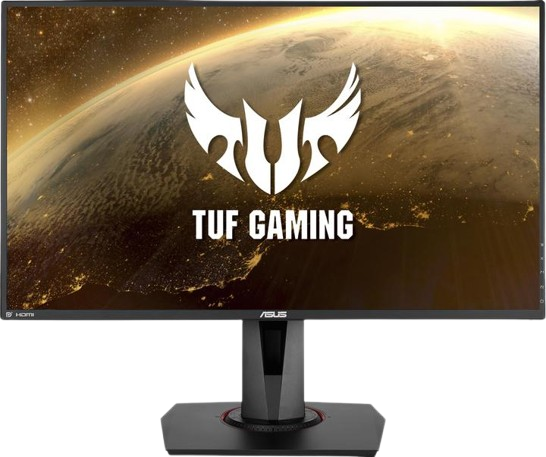
The sweet spot of speed, picture quality, and price for most 2K players.
Spec | Detail |
|---|---|
Screen Size | 27 inch |
Resolution | 1920 x 1080 (Full HD) |
Panel Type | Fast IPS |
Refresh Rate | 280Hz (overclockable from 240Hz) |
Response Time | 1ms GtG |
Input Lag | ~2ms |
Adaptive Sync | G-Sync Compatible + FreeSync |
Key Feature | ELMB Sync (backlight strobing + adaptive sync simultaneously) |
Why it's #1 for 2K: The VG279QM delivers approximately 2ms of input lag — essentially invisible. That means your button press and on-screen action happen at the same time. The 280Hz refresh rate is overkill for current-gen consoles (which cap at 120fps), but it future-proofs you for PC and ensures the panel's response time is operating at peak performance even at lower frame rates.
The Fast IPS panel gives you vibrant colors and wide viewing angles without the washed-out look of TN panels. You'll actually enjoy watching replays and cutscenes on this thing, not just shooting on it.
Who it's for: The majority of 2K players who want the best combination of speed and image quality without paying pro-esports prices.
Trade-off: 1080p on a 27-inch screen means slightly lower pixel density. If sharpness matters to you, consider the LG 27GP850-B below.
2. BenQ Zowie XL2546K - Pro Choice
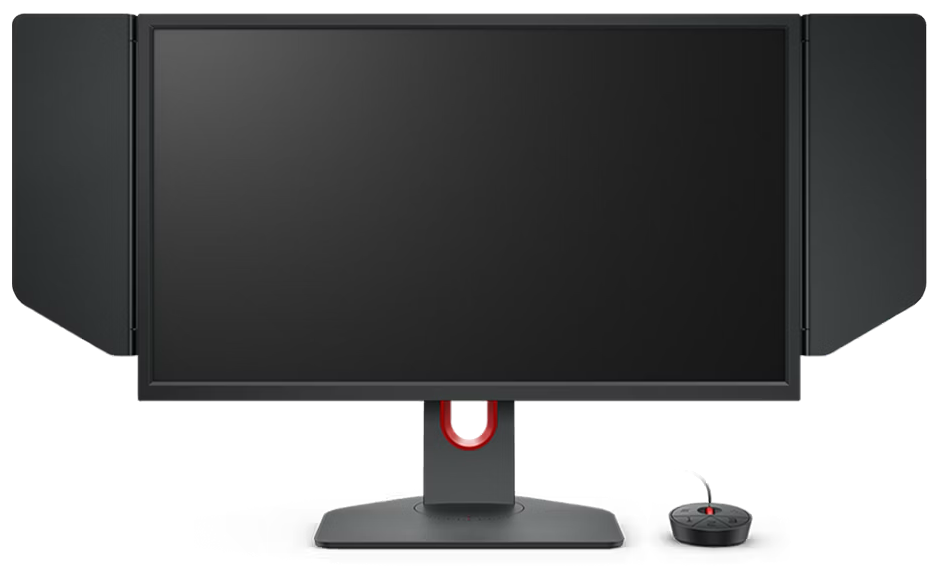
The monitor used by actual esports pros. Built for one thing: winning.
Spec | Detail |
|---|---|
Screen Size | 24.5 inch |
Resolution | 1920 x 1080 (Full HD) |
Panel Type | TN |
Refresh Rate | 240Hz |
Response Time | 0.5ms GtG |
Input Lag | ~2ms |
Adaptive Sync | FreeSync Premium |
Key Feature | DyAc+ (best-in-class backlight strobing for motion clarity) |
Why pros use it: The XL2546K is purpose-built for competitive gaming. Its DyAc+ technology is widely regarded as the best blur reduction feature available — it eliminates motion blur entirely during fast player animations without adding any input lag. This means every dribble move, every release animation, every defensive rotation is crystal clear.
The 24.5-inch screen is deliberate. At this size, your eyes can take in the entire court without moving your head, which means faster reactions and better awareness of off-ball movement.
Who it's for: Competitive Rec and Pro-Am players who prioritize reaction time and motion clarity over image quality. If you play 2K like a sport, this is your monitor.
Trade-off: TN panel means narrower viewing angles and less vibrant colors than IPS options. Not ideal if you also use your monitor for movies, editing, or anything where color accuracy matters.
3. LG UltraGear 27GP850-B - Best Value
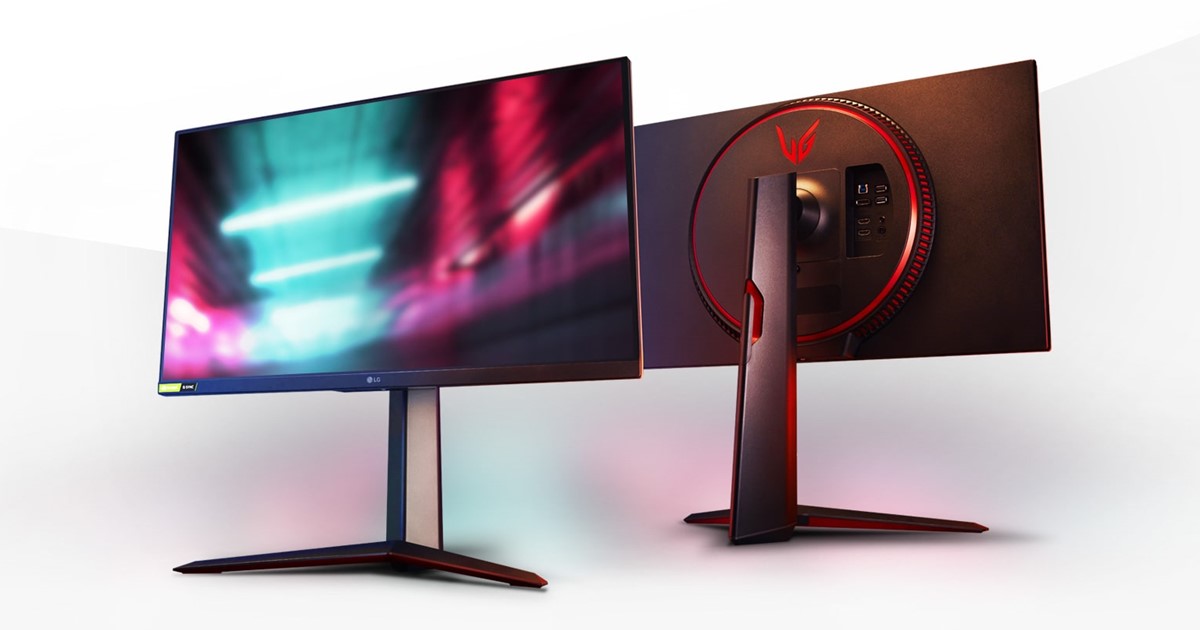
1440p resolution, fast IPS panel, and a price that doesn't hurt.
Spec | Detail |
|---|---|
Screen Size | 27 inch |
Resolution | 2560 x 1440 (QHD) |
Panel Type | Nano IPS |
Refresh Rate | 180Hz (overclocked from 165Hz) |
Response Time | 1ms GtG |
Input Lag | ~4ms |
Adaptive Sync | G-Sync Compatible + FreeSync Premium |
Key Feature | 98% DCI-P3 color gamut with sRGB mode |
Why it's the value pick: The 27GP850-B gives you a 1440p resolution upgrade over the other 1080p picks, which makes a noticeable difference in court detail, player model clarity, and text sharpness. The Nano IPS panel covers 98% of the DCI-P3 color gamut — the game looks genuinely beautiful on this screen.
At around 4ms of input lag, it's slightly slower than the ASUS and BenQ, but still dramatically faster than any TV. The 180Hz refresh rate is more than enough for current-gen consoles and most PC setups.
Who it's for: Players who want one monitor that does everything well — gaming, streaming, content consumption — without compromising on 2K performance. Also the best pick if you play on PS5 or Xbox Series X and want to take advantage of 1440p output.
Trade-off: The extra 2ms of input lag vs. the VG279QM is negligible for most players but technically measurable. Pure speed chasers should look at the ASUS or BenQ.
4. AORUS FV43U - Best 4K
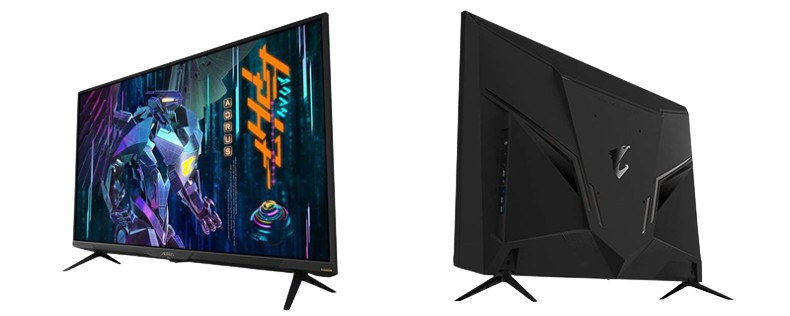
For the player who wants NBA 2K25 to look like a broadcast.
Spec | Detail |
|---|---|
Screen Size | 43 inch |
Resolution | 3840 x 2160 (4K UHD) |
Panel Type | VA |
Refresh Rate | 144Hz |
Response Time | 1ms MPRT |
Input Lag | ~5ms |
Adaptive Sync | G-Sync Compatible + FreeSync Premium Pro |
Key Feature | 4K + 144Hz with HDR1000 and 97% DCI-P3 |
Why it's the 4K pick: If you play on a PS5 or Xbox Series X in your living room or on a large desk, the FV43U delivers the full 4K experience at 144Hz. The VA panel provides a 4000:1 contrast ratio — significantly better than any IPS panel — which means deeper blacks, more visible detail in dark areas of the court, and a more cinematic overall look.
The 43-inch size is massive, but for couch gaming or a dedicated gaming desk setup, it replaces a TV entirely while offering dramatically lower input lag than any standard television.
Who it's for: Console players who want the best picture quality possible while still getting competitive-grade input lag. Also great for players who use one display for 2K, movies, and other entertainment.
Trade-off: 43 inches is too large for close-range competitive play. If you sit at a desk and play Rec or Pro-Am seriously, the smaller monitors above are better choices. The VA panel also has slightly slower pixel response than IPS in dark-to-light transitions.
Quick Comparison
Monitor | Size | Resolution | Refresh | Input Lag | Panel | Best For |
|---|---|---|---|---|---|---|
ASUS VG279QM | 27" | 1080p | 280Hz | ~2ms | IPS | Best overall for 2K |
BenQ XL2546K | 24.5" | 1080p | 240Hz | ~2ms | TN | Competitive/Pro-Am |
LG 27GP850-B | 27" | 1440p | 180Hz | ~4ms | IPS | Best value / all-rounder |
AORUS FV43U | 43" | 4K | 144Hz | ~5ms | VA | Best 4K / console |
How to Set Up Your Monitor for 2K25
Buying the right monitor is half the battle. Here's how to get the most out of it:
Enable Game Mode — Every monitor listed has a Game Mode that disables extra image processing and reduces input lag to its minimum. Turn it on and leave it on.
Use DisplayPort for PC, HDMI for console — DisplayPort delivers the highest refresh rates on PC. For PS5/Xbox, use the HDMI 2.0 or 2.1 port depending on your resolution target.
Turn off the shot meter — This gives you a 20% larger green window, and it's easier to learn release timing by watching your player's animation on a low-lag monitor.
Use a wired controller — Bluetooth adds 4–8ms of latency. A USB cable eliminates it entirely, stacking with your monitor's low input lag.
Connect via Ethernet — Wi-Fi introduces jitter that makes online shot timing inconsistent. Wired internet + wired controller + gaming monitor = the lowest possible total latency.
Total latency math: TV (40ms) + Bluetooth controller (8ms) + Wi-Fi jitter (variable) = inconsistent, frustrating shooting. Gaming monitor (2ms) + wired controller (0ms) + Ethernet (stable) = your timing is your timing. Every green you hit is earned, every miss is on you.
The Bottom Line
You don't need to spend $500+ to see a massive improvement. Even the most affordable option on this list will cut your input lag by 80–90% compared to a standard TV. That's the equivalent of making your green window nearly twice as easy to hit — no badge grind required.
Pick the monitor that fits your budget and setup, enable Game Mode, plug in your controller, and go shoot. You'll green the first open three and wonder how you ever played on a TV.